

Toutes les compétences
Perso
E-mails vers priorités et brouillons
Des e-mails collés deviennent une liste de priorités avec des brouillons de réponse.
La démo utilise des données fictives. La sortie affichée est ce que la compétence a produit avec cet exemple d'entrée.
Essaie en 3 étapes
- 01
Copie le dossier, ou seulement SKILL.md, dans .claude/skills/ de ton projet (ou dans ~/.claude/skills/ pour l'utiliser partout).
- 02
Ouvre Claude Code et demande-la par son nom, par exemple : Utilise la compétence email-triage-drafts sur mes fichiers.
- 03
Vérifie le résultat. Les compétences créent un nouveau fichier et n'écrasent jamais les tiens.
Voir un exemple d'exécution
Exemple d'entrée · input.txt
From: Dana Whitlock <dana@brightleaf.example>
Subject: Logo files before the weekend?
Hi Sam, the printer needs the final logo files by Thursday noon. Can you send them? Thanks, Dana

---
From: Oakmoor Coworking <hello@oakmoor.example>
Subject: Your desk renewal
Your desk plan ends on 30 October. Reply by Friday if you want to renew for November.

---
From: DesignWeekly <news@designweekly.example>
Subject: 10 type trends for 2027
This week in design: type trends, a colour quiz and job listings. Unsubscribe at the bottom.

---
From: Priya Nair <priya@nairkitchen.example>
Subject: Menu redesign quote
Hello Sam, a friend recommended you. We run a small restaurant and want to refresh our menu. Could you tell me what it would involve and what it might cost? Priya

---
From: City Library <noreply@library.example>
Subject: Reminder: 1 item due soon
This is an automatic reminder. Your item is due in 3 days. Please do not reply.

---
From: Tom Reyes <tom@mail.example>
Subject: Saturday?
Are you around Saturday afternoon? I could do coffee or a walk, whichever you prefer. Tom

---
From: PrintCorner <orders@printcorner.example>
Subject: Order 4471 is ready
Your order 4471 is ready for pickup at the shop. No reply needed.

---
From: Elena Ortiz <elena@oakmoor.example>
Subject: Meeting moved
Hi Sam, can we move tomorrow's meeting to Wednesday 14:00? Let me know if that works. Elena
Exemple de sortie · output.md
# Inbox triage: 8 emails
2 reply today, 3 reply this week, 3 need no reply. Nothing has been sent.

## Reply today
### 1. Dana Whitlock: Logo files before the weekend?
Why: the printer needs the files by Thursday noon.
Draft:
> Hi Dana, thanks for the heads-up. I'll send the final logo files by [day and time you can deliver]. Could you tell me which formats the printer needs? Sam

### 8. Elena Ortiz: Meeting moved
Why: asks to move tomorrow's meeting and wants an answer.
Draft:
> Hi Elena, thanks for letting me know. Wednesday at 14:00 [works / does not work] for me. [If not: I could do [alternative time].] Sam

## Reply this week
### 2. Oakmoor Coworking: Your desk renewal
Why: reply wanted by Friday; the plan ends on 30 October.
Draft:
> Hello, thanks for the reminder. I [will / will not] renew my desk for November. [Add any question about terms.] Sam

### 4. Priya Nair: Menu redesign quote
Why: new enquiry, no deadline stated.
Draft:
> Hi Priya, thank you for getting in touch and for the recommendation. To describe what the project would involve, could you tell me [number of pages or items] and [your deadline]? I'll reply with [next step] after that. Sam

### 6. Tom Reyes: Saturday?
Why: a friend asking about Saturday afternoon.
Draft:
> Hi Tom, Saturday afternoon [works / does not work]. I'd like [coffee / a walk], at [time and place]. Sam

## No reply needed
- 3. DesignWeekly: newsletter.
- 5. City Library: automatic reminder, item due in 3 days. Action stated: return the item.
- 7. PrintCorner: order 4471 is ready for pickup. Action stated: collect it.

## Placeholders to fill
- [ ] #1 delivery day and time
- [ ] #8 whether Wednesday 14:00 works, and an alternative
- [ ] #2 renew or not, and any terms question
- [ ] #4 project size, deadline and next step
- [ ] #6 availability, coffee or walk, time and place
La compétence · SKILL.md
---
name: email-triage-drafts
description: Turns a batch of pasted emails into a priority list (reply today, reply this week, no reply needed) with short draft replies that use [placeholders] for unknown facts. Use when someone pastes several emails and wants to know what to answer first. Never sends anything.
---
# Email Triage and Drafts
Six to eight emails in, a sorted list and ready-to-edit drafts out.

## When to use
- The user pastes a handful of emails and asks what needs an answer.
- The user wants quick drafts they can edit before sending themselves.

## Inputs
- The emails as text (sender, subject, body). Ask for the user's name if drafts need a sign-off.
- Optional: today's date, the user's availability, tone preference. Ask if a draft depends on them.

## Steps
1. Split the text into separate emails and number them in the order given.
2. For each email note: who asks, what they ask, any deadline in the text.
3. Assign one bucket: Reply today (a deadline within about two days or a blocked person), Reply this week, or No reply needed (newsletters, automatic notices, "no reply needed").
4. Order each bucket by deadline, then by how much the sender is waiting.
5. Draft a reply of two to five sentences for every email in the first two buckets. Greet by name, answer only what the emails and the user supplied, end with a plain sign-off.
6. Wherever a fact is missing (availability, price, decision, date), write a [placeholder] such as [available Saturday? yes/no]. Do not fill it in.
7. For "no reply needed" emails add a one-line action only if the email itself states one (for example a pickup).

## Output
Write a new file `triage.md` next to the input (if it exists, use `triage-2.md`). Never overwrite the input. Template:
```
# Inbox triage: <n> emails
## Reply today
### 1. <sender>: <subject>
Why: <deadline or ask>
Draft:
> <text with [placeholders]>
## Reply this week
## No reply needed
## Placeholders to fill
```
End with a checklist of every placeholder so nothing goes out unfinished.

## Rules
- Never invent facts, prices, dates, commitments or promises the user did not state.
- Drafts only ask, acknowledge or confirm what the user already said; unknown answers become [placeholders].
- Never send, forward or schedule anything. The user sends every message.
- Keep names and addresses as given; do not add contact details.
- Mark unclear priority as "unsure" and say why.
- Write results to a new file, never overwrite the user's files.
- Keep the user's data local.
- Out of scope: legal, medical or financial advice; flag such emails for a professional.
Les compétences t'aident à lire et à organiser. Ce ne sont pas des conseils juridiques, médicaux, fiscaux ou financiers.
Plus de compétences
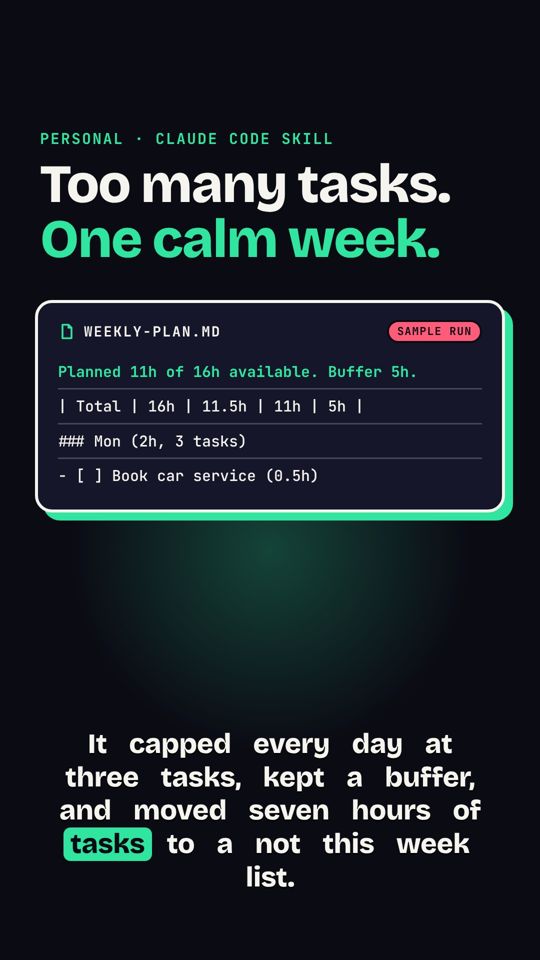 Liste de tâches vers plan de semaineUne liste de tâches en vrac devient un plan de semaine serein, trois choses par jour.
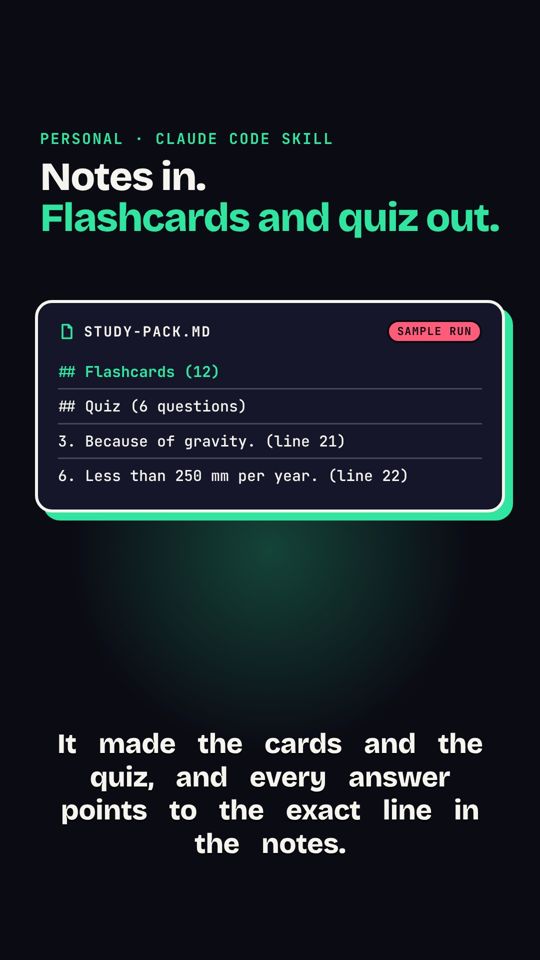 Notes de cours vers fiches et quizDes notes de cours deviennent des fiches de révision et un court quiz.
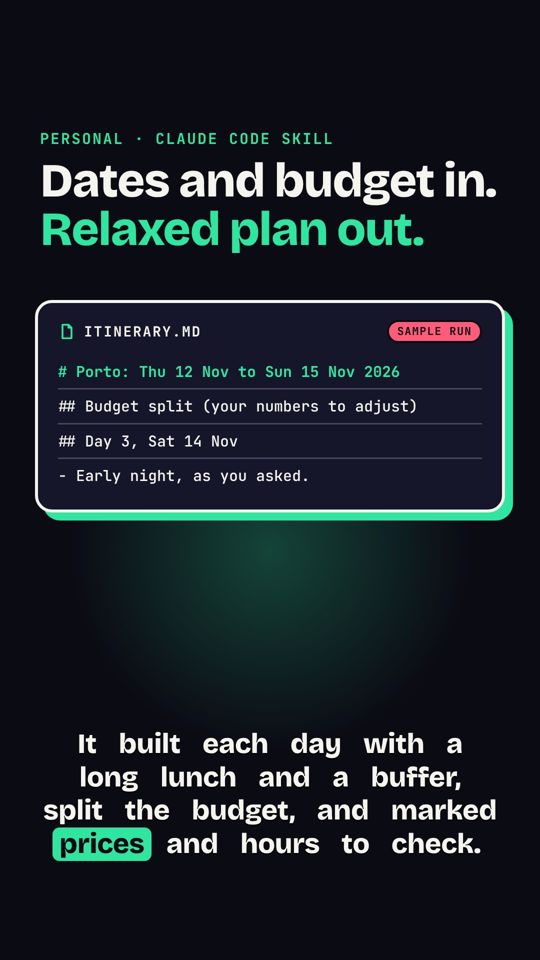 Contraintes de voyage vers programmeDes contraintes de voyage deviennent un programme jour par jour, avec marges et budget.