

Tutte le skill
Documenti
Scontrini in nota spese
Gli scontrini diventano una nota spese per categoria, con il totale.
La demo usa dati fittizi. L'output mostrato è quello prodotto dalla skill con quell'input di esempio.
Provala in 3 passaggi
- 01
Copia la cartella, o solo SKILL.md, in .claude/skills/ nel tuo progetto (oppure in ~/.claude/skills/ per usarla ovunque).
- 02
Apri Claude Code e chiedila per nome, ad esempio: Usa la skill receipt-expense-report sui miei file.
- 03
Controlla il risultato. Le skill creano un nuovo file e non sovrascrivono mai i tuoi.
Guarda un esempio di esecuzione
Input di esempio · input.txt
--- receipt 1 ---
Cafe Sol, Valencia
2026-02-03  12:41
Menu del dia x2        24.00
Coffee x2               3.60
TOTAL EUR              27.60

--- receipt 2 ---
RENFE Tickets
2026-02-04
Valencia - Madrid, 1 adult
TOTAL EUR              48.50

--- receipt 3 ---
Hotel Mirador Madrid
2026-02-04 to 2026-02-05
1 night, room 204
TOTAL EUR             109.00

--- receipt 4 ---
Papeleria Lopez
2026-02-06
Notebook A5              4.20
Pens x5 pack             6.80
TOTAL EUR              11.00

--- receipt 5 ---
Taxi Madrid
2026-02-05
Airport to hotel
TOTAL EUR              ##.##   (ink faded)

--- receipt 6 ---
Cafe Sol, Valencia
2026-02-03  12:41
Menu del dia x2        24.00
Coffee x2               3.60
TOTAL EUR              27.60

--- receipt 7 ---
Tapas Bar Chueca
2026-02-05  21:15
Raciones, drinks       38.40
TOTAL EUR              38.40
Output di esempio · output.md
# Expense report - Valencia/Madrid trip, Feb 2026

## Items
| # | Date | Vendor | Category | Amount EUR | Status |
|---|------|--------|----------|-----------:|--------|
| 1 | 2026-02-03 | Cafe Sol, Valencia | Meals | 27.60 | OK |
| 2 | 2026-02-04 | RENFE Tickets | Travel | 48.50 | OK |
| 3 | 2026-02-04 | Hotel Mirador Madrid | Lodging | 109.00 | OK |
| 4 | 2026-02-06 | Papeleria Lopez | Office | 11.00 | OK |
| 5 | 2026-02-05 | Taxi Madrid | Travel | - | UNREADABLE |
| 6 | 2026-02-03 | Cafe Sol, Valencia | Meals | 27.60 | DUPLICATE of #1 |
| 7 | 2026-02-05 | Tapas Bar Chueca | Meals | 38.40 | OK |

## By category
| Category | Items | Amount EUR |
|----------|------:|-----------:|
| Lodging | 1 | 109.00 |
| Meals | 2 | 66.00 |
| Office | 1 | 11.00 |
| Travel | 1 | 48.50 |
| **Total** | 5 | **234.50** |

## Flags
- #5 Taxi Madrid 2026-02-05: amount unreadable - excluded, needs the original
- #6 Cafe Sol, Valencia duplicates #1 (same date, time and amount) - excluded from total

Counted 5 of 7 receipts. The total excludes the flagged items above; it will change once receipt 5 is read.
La skill · SKILL.md
---
name: receipt-expense-report
description: Turns receipt texts or transcripts into an expense report grouped by category with an exact total, flagging unreadable and duplicate receipts. Use when you have a pile of receipts as text and need a tidy report for a trip, a project or a reimbursement request.
---
# Receipt Expense Report
Receipts in. A categorised report with an exact total and a list of problems out.

## When to use
- You have receipts as .txt, OCR output or pasted text for one trip, month or project.
- You need totals by category and a clear list of items that cannot be counted.

## Inputs
- A folder or one file with the receipts. Ask for the path if missing.
- Optional: category list (default Meals, Travel, Lodging, Office, Other), currency, report title.
- Images and PDFs without text need a transcript first.

## Steps
1. Split the input into receipts and number them in order.
2. Extract for each: vendor, date, time if present, total amount, currency.
3. Assign a category from what the receipt shows (vendor and items). If it is ambiguous, use Other and ask the user.
4. Flag UNREADABLE when the total is missing, masked or ambiguous. Leave the amount empty and exclude it from the total.
5. Flag DUPLICATE when vendor, date, time and amount match an earlier receipt. Keep the first, exclude the later one, name the original.
6. Run a Python script with Decimal to sum amounts per category and overall. Never add by hand.
7. Write the report. Check that the category subtotals equal the grand total, and that counted + flagged = all receipts.

## Output
New file `expense-report.md`:
- `## Items`: table `# | Date | Vendor | Category | Amount EUR | Status` (status OK, UNREADABLE or DUPLICATE of #n)
- `## By category`: items and amount per category, then the total row
- `## Flags`: one bullet per flagged receipt with the reason
- Final line: how many receipts were counted and what changes the total.

## Rules
- Never invent an amount, date or vendor. An unreadable total stays empty and flagged.
- Do not merge or drop receipts silently; every receipt appears in Items.
- Write results to a new file, never overwrite the receipts or an earlier report.
- Reimbursement rules, tax deductibility and VAT recovery are for an accountant; this skill does not advise on them.
- Keep receipts local; do not send them anywhere.
Le skill ti aiutano a leggere e organizzare. Non sono consulenza legale, medica, fiscale o finanziaria.
Altre skill
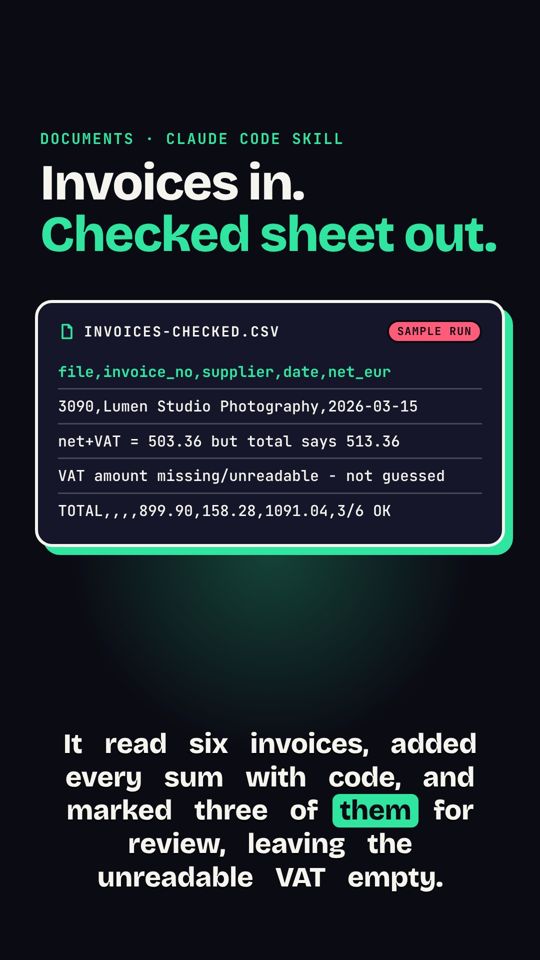 Fatture in foglio di calcoloUna cartella di fatture, in testo o scansione, diventa un unico CSV pulito con controllo dei totali.
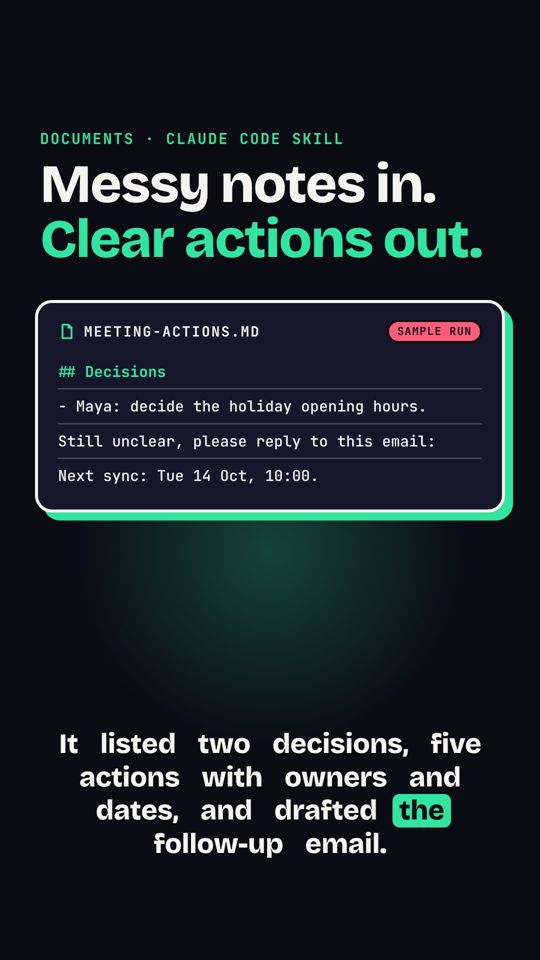 Appunti di riunione in azioniAppunti disordinati diventano decisioni, responsabili, scadenze e un'email di follow-up.
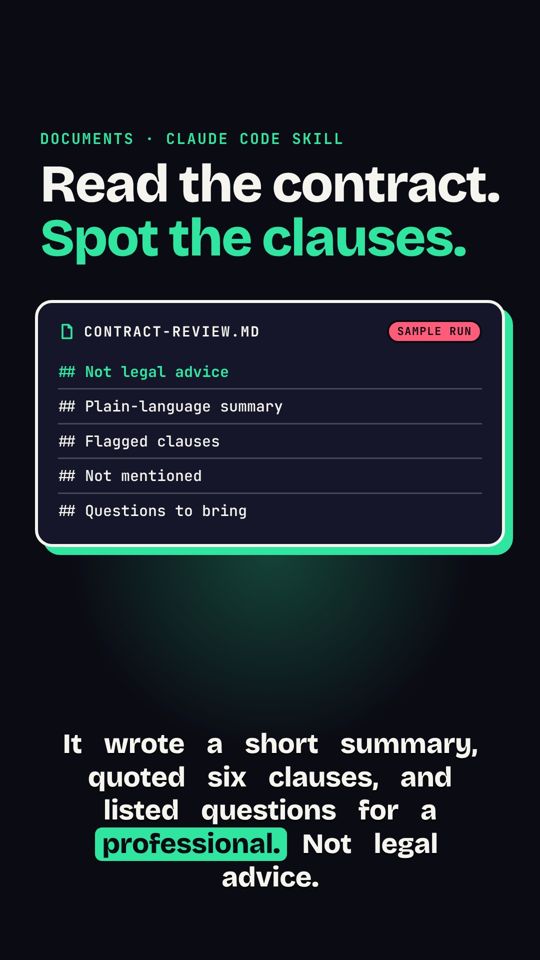 Segnali d'allarme nei contrattiRiassume un contratto e segnala le clausole da chiarire con un professionista. Non è consulenza legale.