

Tutte le skill
Web e codice
README dai file del progetto
Legge un progetto e scrive un README accurato.
La demo usa dati fittizi. L'output mostrato è quello prodotto dalla skill con quell'input di esempio.
Provala in 3 passaggi
- 01
Copia la cartella, o solo SKILL.md, in .claude/skills/ nel tuo progetto (oppure in ~/.claude/skills/ per usarla ovunque).
- 02
Apri Claude Code e chiedila per nome, ad esempio: Usa la skill readme-writer sui miei file.
- 03
Controlla il risultato. Le skill creano un nuovo file e non sovrascrivono mai i tuoi.
Guarda un esempio di esecuzione
Input di esempio · input.txt
PROJECT FILES (fictional sample)

.
|-- pyproject.toml
|-- src/
|   `-- pantry_log/
|       |-- __init__.py
|       |-- cli.py
|       `-- store.py
`-- tests/
    `-- test_store.py

--- pyproject.toml ---
[project]
name = "pantry-log"
version = "0.2.0"
description = "Keep a list of what is in your pantry and see what expires soon."
requires-python = ">=3.10"
dependencies = []

[project.optional-dependencies]
dev = ["pytest>=8"]

[project.scripts]
pantry = "pantry_log.cli:main"

--- src/pantry_log/cli.py (excerpt) ---
def build_parser():
    p = argparse.ArgumentParser(prog="pantry")
    sub = p.add_subparsers(dest="command", required=True)
    add = sub.add_parser("add", help="add an item")
    add.add_argument("name")
    add.add_argument("--expires", help="expiry date, YYYY-MM-DD")
    sub.add_parser("list", help="list all items")
    exp = sub.add_parser("expiring", help="items expiring soon")
    exp.add_argument("--days", type=int, default=7)
    return p

--- src/pantry_log/store.py (excerpt) ---
DEFAULT_PATH = Path.home() / ".pantry.json"

def data_path():
    return Path(os.environ.get("PANTRY_FILE", DEFAULT_PATH))

def load(): ...   # returns [] if the file does not exist
def save(items): ...  # writes JSON, indent=2

--- tests/test_store.py (excerpt) ---
def test_load_missing_file_returns_empty(tmp_path, monkeypatch):
    monkeypatch.setenv("PANTRY_FILE", str(tmp_path / "p.json"))
    assert store.load() == []

Not present in the project: LICENSE, CI config, docs folder, CONTRIBUTING, Dockerfile.
Output di esempio · output.md
# pantry-log

Keep a list of what is in your pantry and see what expires soon.

Version 0.2.0. A small command-line tool with no runtime dependencies.

## Install

Requires Python 3.10 or newer.

```
pip install .
```

This installs the `pantry` command. TODO(confirm): no install instructions were found in the files; `pip install .` is the standard way to install the `pyproject.toml` package, but it has not been tested here, and the project may not be published on a package index.

For development, install the test tools:

```
pip install ".[dev]"
```

## Run

```
pantry add "rice" --expires 2026-12-01
pantry list
pantry expiring --days 7
```

- `pantry add NAME [--expires YYYY-MM-DD]` adds an item.
- `pantry list` lists all items.
- `pantry expiring [--days N]` shows items expiring soon. `--days` defaults to 7.

Items are stored in a JSON file at `~/.pantry.json`. Set the `PANTRY_FILE` environment variable to use a different file. If the file does not exist, the list starts empty.

TODO(confirm): the exact output format of `list` and `expiring` is not shown in the files, so no sample output is included.

## Test

```
python -m pytest
```

TODO(confirm): no test command is documented. `pytest` is listed in the `dev` extra and tests live in `tests/`, so this is the likely command.

## Project structure

```
pyproject.toml        package metadata and the `pantry` entry point
src/pantry_log/
  cli.py              command-line parser (add, list, expiring)
  store.py            loads and saves the JSON file
tests/
  test_store.py       tests for the store
```

## License

TODO(confirm): no LICENSE file in the project.
Add one before sharing the code.
La skill · SKILL.md
---
name: readme-writer
description: Reads a small project's file tree and key files, then writes an accurate README covering what it is, install, run, test and structure, marking anything unproven as TODO(confirm). Use when a project has no README or an outdated one.
---
# README Writer
Turns what is really in a project into a README that matches the code, with gaps flagged instead of filled in.

## When to use
- A repository has no README, or the current one no longer matches the code.
- You want a first draft a maintainer can confirm in five minutes.
- Not for marketing copy, full API docs or architecture papers.

## Inputs
- The project folder, or a pasted file tree plus the key files (package file, entry points, config, a test file).
- Optional: audience (users or contributors) and tone. Ask if the audience is unclear.
- If the files are missing or too partial to tell what the project does, ask for them instead of guessing.

## Steps
1. List the tree. Read the package or build file first (name, version, language version, dependencies, scripts or entry points), then the entry-point code, then one test file.
2. Write one sentence for "what it is" using the project's own description text; if there is none, derive it from the entry points and say so.
3. Install: use only commands supported by the package file. If the file implies a command but no doc states it, write it and mark `TODO(confirm)`.
4. Run: list every command, flag and environment variable you can see in the code, with defaults exactly as written. Do not add examples of output you have not seen.
5. Test: name the test tool from the dev dependencies or test folder. Mark `TODO(confirm)` when no command is written anywhere.
6. Structure: draw the tree with one short line per file, based on what each file really does.
7. Check each sentence against a file. Delete or mark anything you cannot trace.
8. Close with a License section: state the license only if a license file or field exists; otherwise `TODO(confirm)`.

## Output
Write `README.draft.md` next to the project files. Sections in this order: title and one-line description, Install, Run, Test, Project structure, License. Each `TODO(confirm)` states what is missing and where the answer is likely to be found. After the file, reply with the list of TODO(confirm) items.

## Rules
- Never invent commands, flags, features, badges, version support, or benchmarks. Document only what the files show.
- Write results to a new file, never overwrite an existing README.
- Keep it short; no filler sections such as roadmap or acknowledgements.
- Ask before assuming who the audience is.
- Keep project code local; do not paste secrets or tokens found in files into the README.
Le skill ti aiutano a leggere e organizzare. Non sono consulenza legale, medica, fiscale o finanziaria.
Altre skill
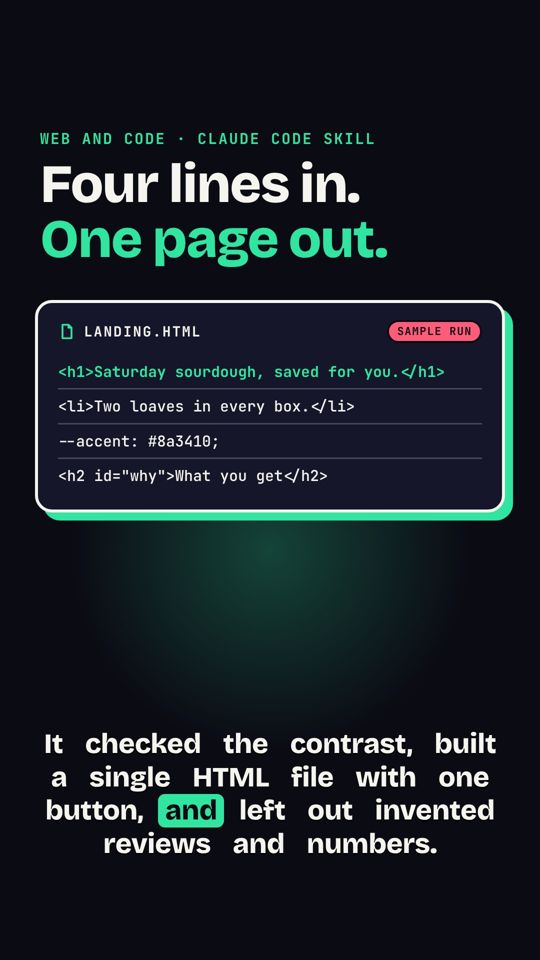 Dal brief alla landing pageUn breve brief diventa una landing page HTML in una pagina, pensata prima per mobile.
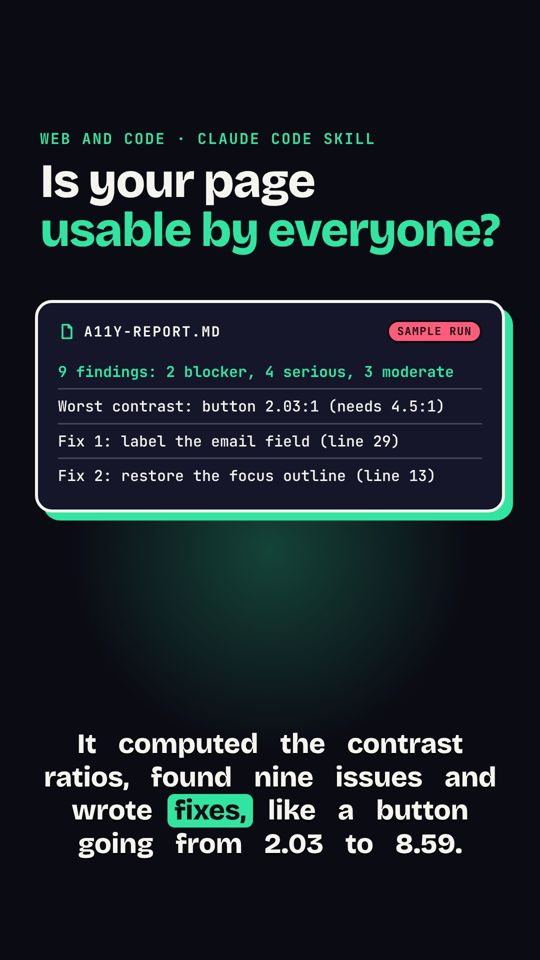 Audit di accessibilità di una paginaControlla contrasto, etichette e aree di tocco di una pagina e elenca le correzioni.
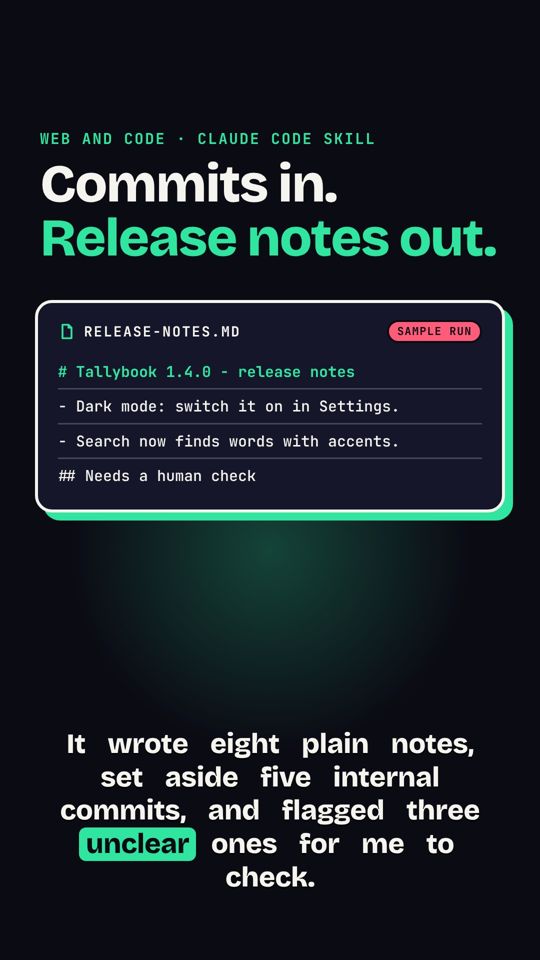 Dal log Git alle note di rilascioI messaggi di commit diventano note di rilascio comprensibili.